Operate
Chat & Console
Two lightweight ways to talk to an agent — chat bubbles and a REPL terminal.
Both pages connect to the same backend socket, /api/chat/ws, which
bridges the browser to an aios tui-backend subprocess — the same
JSON-RPC agent process the TUI drives. That means both get the full
harness for free: routing, cache, skills, tools, and session persistence.
The difference is purely presentation.
Chat
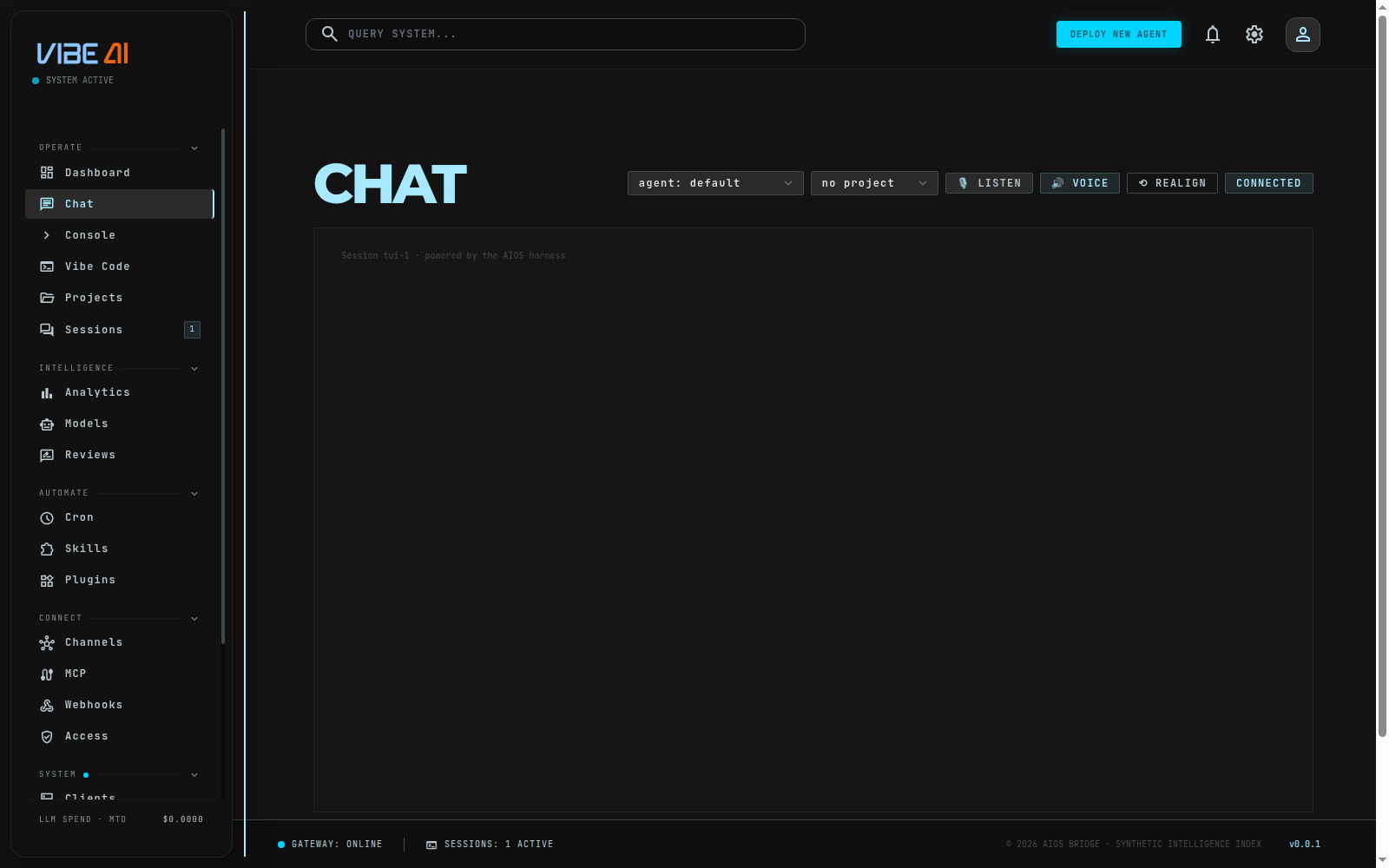
Web UI → Chat — a conventional message-bubble UI.
- agent / project selectors in the header pick which agent you’re
talking to and (optionally) ground answers in a project’s documents.
Changing agent closes and reopens the socket against
/api/chat/ws?agent=<name>. - Replies stream in as markdown, token by token.
- Attach files (📎) uploads to
~/.aios/uploads/viaPOST /api/chat/uploadand points the agent’sread_filetool at them. - 🎙 LISTEN / 🔊 VOICE toggle hands-free speech in/out through the VibeAI OS Desktop Voice Bridge.
- ⟲ REALIGN rebuilds the session’s context from your request history and any meta-review corrections, starting a fresh session without touching the old one.
Console
Web UI → Console — a terminal-style REPL over the same connection.
- A colored prompt shows the current agent and project context.
- Plain text is sent to the agent, same as Chat.
- Slash commands:
/help,/agent [name](switch agent, or list them),/project [name](set or clear project context),/clear(clear the screen). /api/ui/modedecides the console’s mode. In operator mode, a line starting with!runs a raw shell command via/api/vibe/shelland prints its output — this is not available in restricted mode.- Command history via ↑/↓.
Which one to use
- Chat — everyday conversation with an agent; attachments, voice, and a project selector make it the better default for most people.
- Console — faster for quick agent switches, project switches, or operator shell one-liners without leaving the keyboard.
- Vibe Code panel (
/vibe-code) — for anything beyond a conversation: running real Claude Code CLI sessions against a repo, multiple session tabs, task tracking, proxy/traffic tools, and skill/agent creation. Chat and Console are the “just talk to the agent” surfaces; Vibe Code is the full coding workstation.