Skills & Hooks
Browsing and rolling back skills from the dashboard; installing packages and shell hooks from the CLI.
A skill is a SKILL.md document (+ optional references/) an agent
reads for procedural knowledge — how to do something specific to this
project or environment. Skills already on disk under
<agent home>/skills/<category>/<name>/ show up automatically.
Web UI → Skills (Automate section)
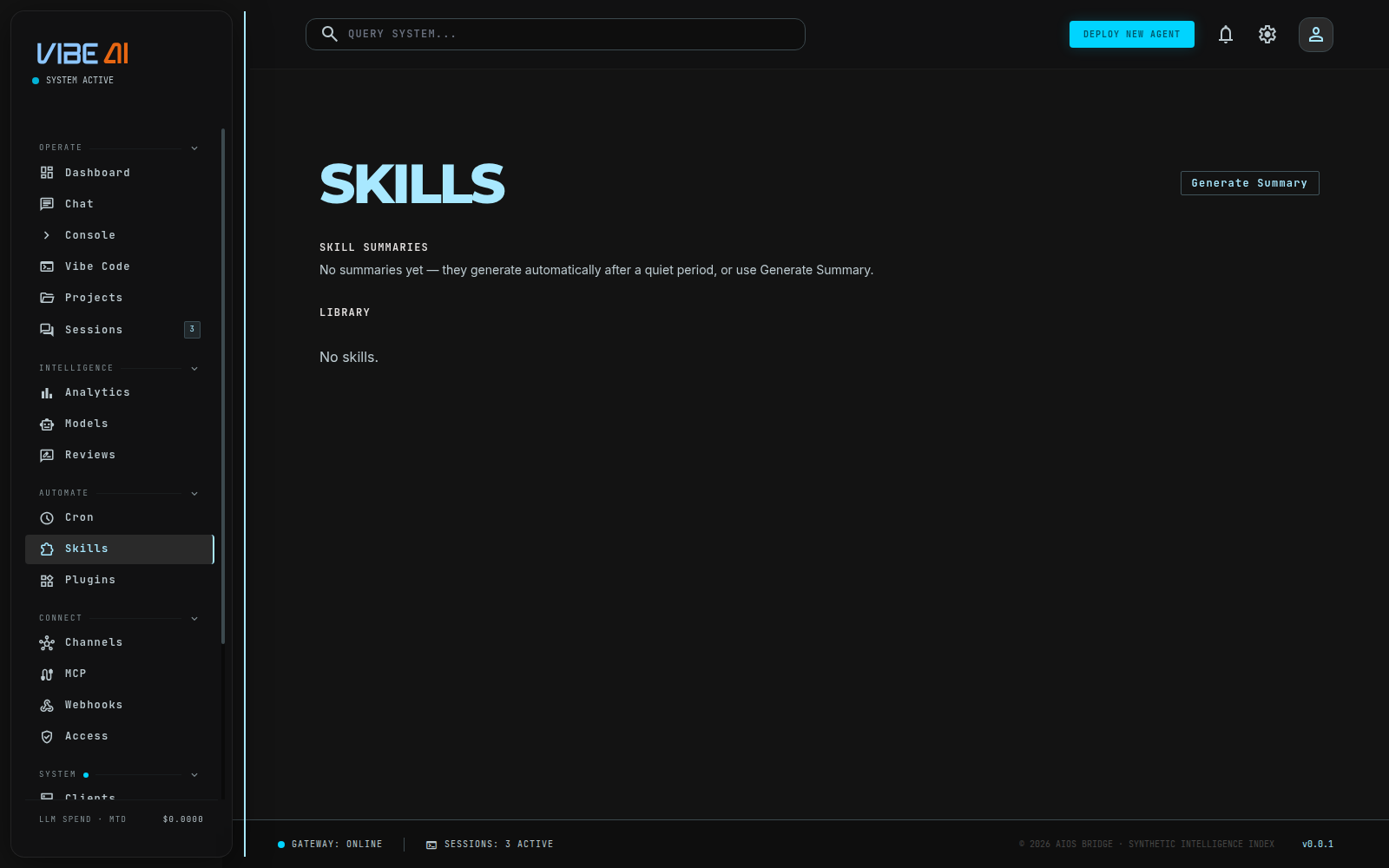
The Skills page has two parts:
- Library — every skill the agent can currently load: name,
category, description. This merges two sources — skills the harness
itself has written to its database (category
harness) and curated file-based skills under<agent home>/skills/. - Skill summaries — a timeline of what changed and why, generated
automatically after a quiet period (or on demand with Generate
Summary). Each entry lists skills that were
createdorimproved(with a version number) and any standalone lessons learned. An ↩ Rollback button appears next to anyimprovedentry with a prior version — it restores that version as a new one (reversible, nothing is destroyed).
This is where you watch the agent’s self-improvement loop in practice: it edits its own skills over time, and every edit shows up here with a rollback escape hatch.
Installing a new skill from outside (GitHub, a URL) has no dashboard form yet — that’s CLI-only, below. The dashboard page only browses, summarizes, and rolls back what’s already on disk.
CLI: install/search/update
The skills hub is how you pull new skills in from outside the agent’s own self-editing loop:
aios skills list                                   # what's installed
aios skills show <name>                             # read one
aios skills install owner/repo/path/to/skill        # from a public GitHub repo
aios skills install https://.../SKILL.md --name foo # from a direct URL
aios skills update <name>                            # re-fetch, no-op if unchanged
aios skills uninstall <name>
This is a free package manager, not a marketplace — no payment, no seller
accounts, nothing changes hands but files. Every install is tracked in
<skills dir>/.hub/aios-lock.json (source, content hash) so update
only touches files that actually changed. --git-ref <branch> pins a
GitHub install to a specific branch/tag/commit instead of the repo’s
default branch.
Shell hooks: react to (or block) agent events
A hook is a shell command that runs when a specific agent-lifecycle event
fires — most usefully, before a tool call, where it can veto the call
outright. Hooks are CLI-only — there’s a real /api/hooks endpoint
backed by the same store the CLI uses, but no dashboard nav page calls
it yet, so approving and managing hooks happens on the command line:
aios hooks events                        # every event name; only
                                          # pre_tool_call/post_tool_call are
                                          # actually wired into a turn loop
                                          # today (interactive TUI only)
aios hooks add pre_tool_call '/path/to/guard.sh' --label "block rm -rf"
aios hooks list                          # shows status: unapproved/active/disabled
aios hooks approve <id>                  # REQUIRED before it ever runs
aios hooks disable <id>                  # pause without losing the config
aios hooks remove <id>
A hook only runs after you explicitly approve it — adding one to
hooks.json is not enough, on purpose: that file could have been
edited by something less trusted than whoever’s running the agent.
The hook receives a JSON payload on stdin ({"event": "...", "kwargs": {...}}) and has up to 10 seconds to print a JSON decision on stdout:
{"decision": "allow"}
{"decision": "skip", "reason": "why it was blocked"}
{"decision": "rewrite", "text": "replacement output"}
A hook that crashes, times out, or prints garbage defaults to allow —
a broken hook degrades to “not there,” it never wedges the agent.
A real, ready-to-use example ships in the server-admin skill
(skills/devops/server-admin/references/dangerous-command-guard.sh) —
blocks rm -rf /-shaped commands, unconfirmed systemctl stop on core
units, and recursive deletes of ~/.aios. Point aios hooks add at it
and approve it to try it.