Plugins
What "plugin" means in AIOS today, and why the Plugins page is intentionally empty.
There is no user-facing plugin system yet — not in the dashboard, not in the CLI. This page exists to explain what “Plugins” means in the nav and set expectations correctly rather than gesture at a feature that isn’t there.
Web UI → Plugins (Automate section)
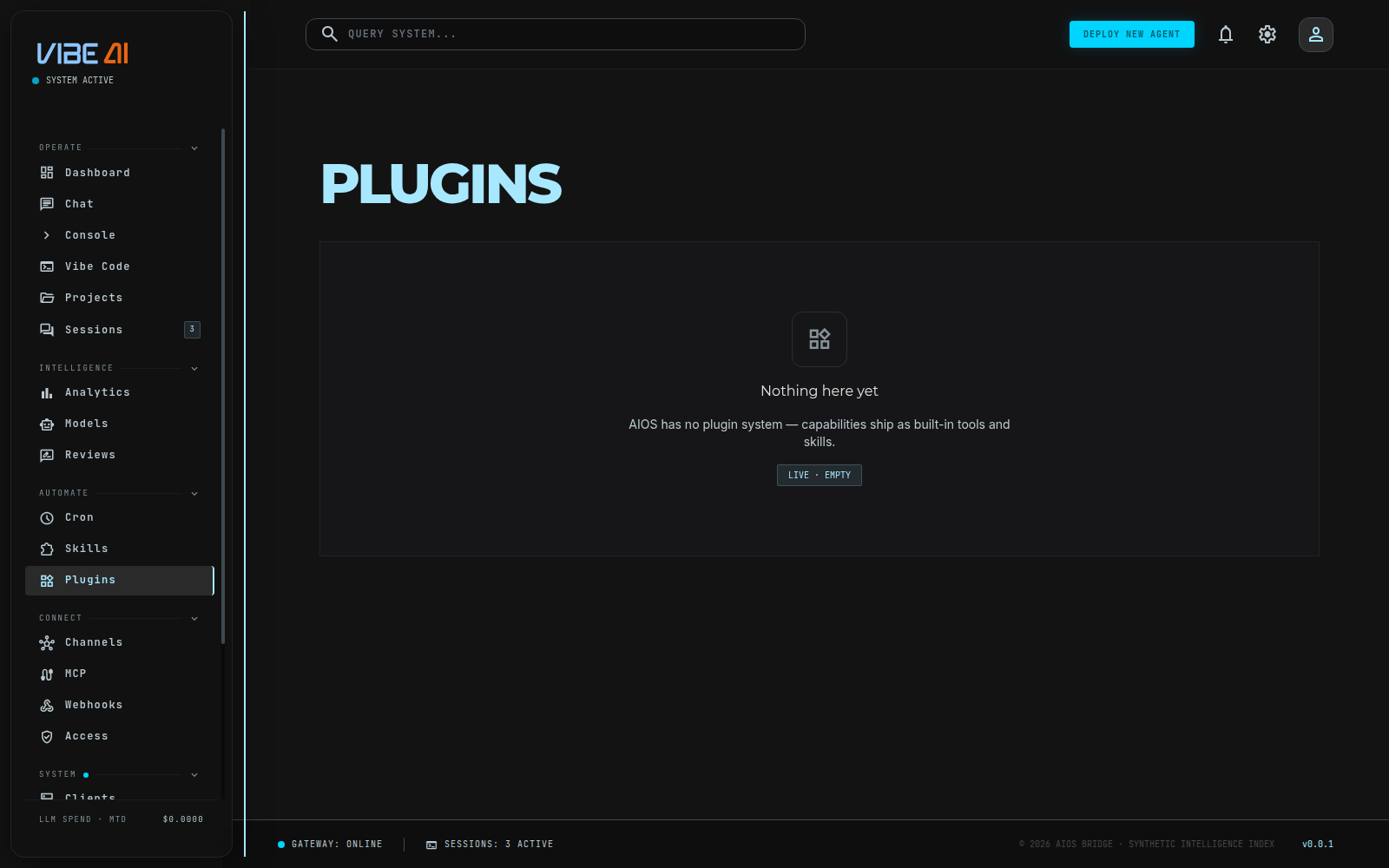
The Plugins page calls a real endpoint, GET /api/dashboard/plugins,
which returns an honest empty payload:
{ "plugins": [], "available": false,
  "note": "AIOS has no plugin system — capabilities ship as built-in tools and skills." }
The page renders that note as its empty state. There is no
install/enable/disable UI because there is nothing to install — every
capability ships compiled into the binary.
CLI
aios plugins list and aios plugins show <name> exist but are stubs
left over from an earlier architecture — they print a message that
plugin discovery “requires Python backend” and point at directories
(<repo>/plugins/<name>/, ~/.aios/plugins/<name>/,
./.aios/plugins/<name>/) that the current Rust build doesn’t scan.
Don’t rely on them.
What actually exists under the hood
aios-plugin is a real, internal Rust crate — but it’s a developer
extension point, not something an end user installs or manages. It
defines:
- A
Plugintrait plusPluginKind(Standalone,Backend,Exclusive,Platform,ModelProvider) andPluginSource(Bundled,User,Project,External) for how a plugin is loaded. - Provider traits for swappable backends in specific categories:
MemoryProvider,BrowserProvider,ImageGenProvider,WebSearchProvider. - A handful of builtin plugins compiled into AIOS itself (memory, browser, image generation, web search, kanban) that back the agent’s tools — these are what you’re actually using when an agent searches the web or generates an image, not something you toggle on this page.
If you want new agent capability today, the two real levers are Skills (procedural knowledge, no code) and MCP servers (external tool integrations) — see the MCP page. Plugins, in the “install a third-party package” sense implied by the nav label, isn’t a shipped feature.