MCP
Connect external MCP servers so agents can call their tools.
AIOS ships an MCP client — it connects out to third-party MCP servers and exposes their tools to your agents. It does not run an MCP server of its own for external callers.
Web UI → MCP
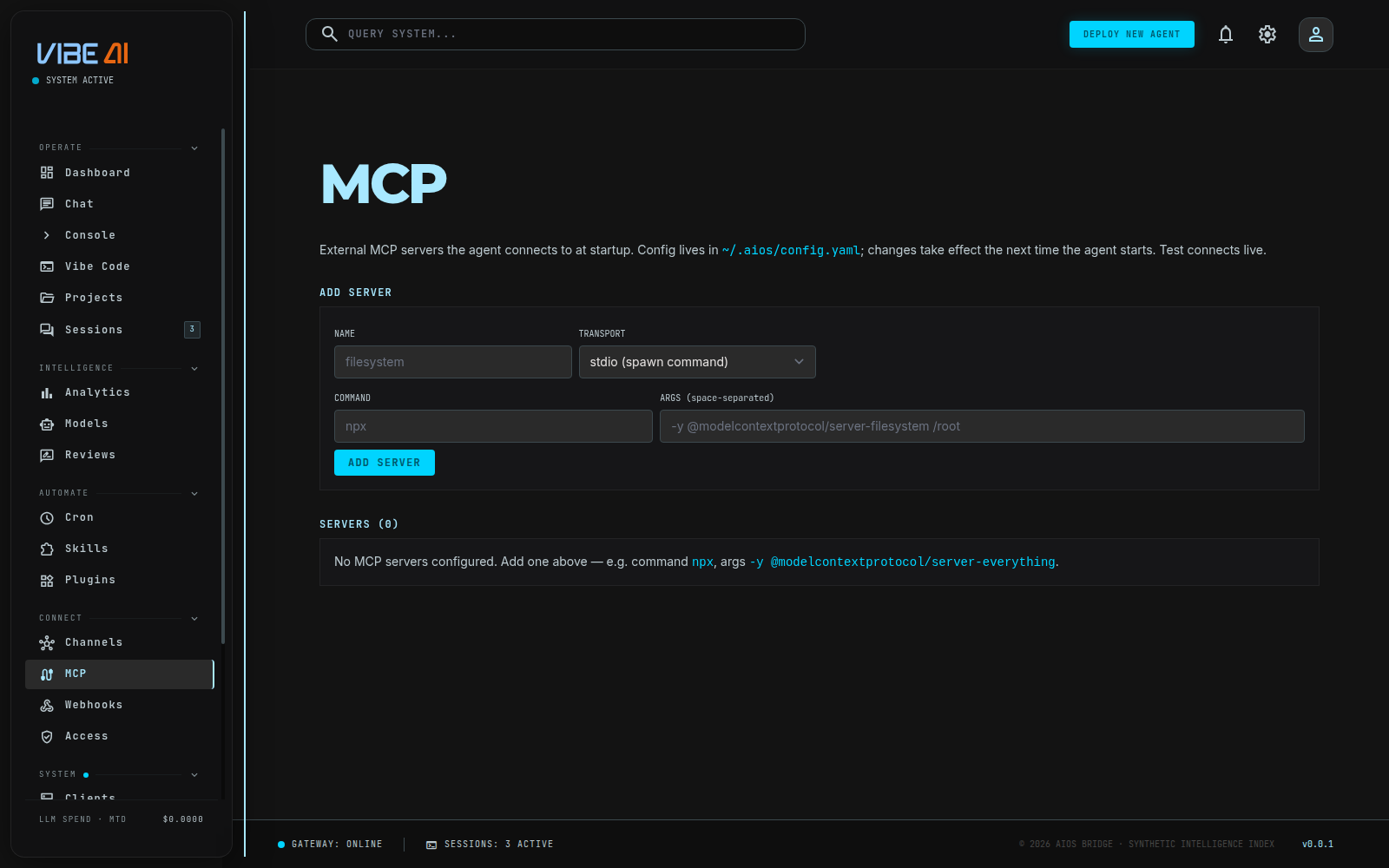
Lists every server configured under mcp_servers in ~/.aios/config.yaml:
name, transport, enabled/disabled, the command or URL, and how many of its
tools are in use (all, or a filtered count). Config changes here take
effect the next time the agent starts — a running backend already connected
its servers at boot.
Stdio (spawn a local command), Streamable HTTP, or legacy SSE.
Stdio needs a command and space-separated args; HTTP/SSE need a URL.
Writes the entry into config.yaml (env/headers preserved, secrets redacted on read-back).
Actually spawns the server (or opens the connection) and runs the real MCP handshake — the same code path the agent uses — and shows the tools it advertises, or the connection error.
Removing a server deletes its entry outright.
Transports
All three transports are implemented in aios-mcp’s client and are used by
the agent at startup, not just by the dashboard’s Test button:
- stdio — spawns
command+args, speaks newline-delimited JSON-RPC over the child’s stdio. The most common case (npx -y @modelcontextprotocol/server-filesystem /root, etc). - Streamable HTTP — a
urlwith notransportkey. - Legacy SSE — a
urlwithtransport: sse.
A server that fails to connect at agent startup is logged and skipped — one bad server never blocks the agent from starting.
Tool naming
Every MCP tool is exposed to the LLM namespaced as
mcp__<server>__<tool>, keeping third-party tool names from colliding with
AIOS built-ins and making their origin obvious in tool-call logs. A
server’s tools: list in config.yaml restricts which of its tools are
advertised at all; omit it to expose everything the server offers.
Secrets in a server’s env (or headers, for remote servers) are
redacted on every read — the dashboard shows only the first few
characters, never the full value.